



Scraper Analytics
—
—
—
·
—
Subscription
—
Lead credits
Balance—
Cost per lead—
Leads you can fetch—
Plan details
Plan—
Started—
Expires—
Days left—
Payment
Amount—
Status—
Payment ID—
Order ID—
Paid at—
Welcome back, Saurabh! 👋
What would you like to do today?
Scraper
Extract data from websites, directories and platforms with powerful scraping tools.
Email Marketing
Create campaigns, manage email lists and send personalized emails.
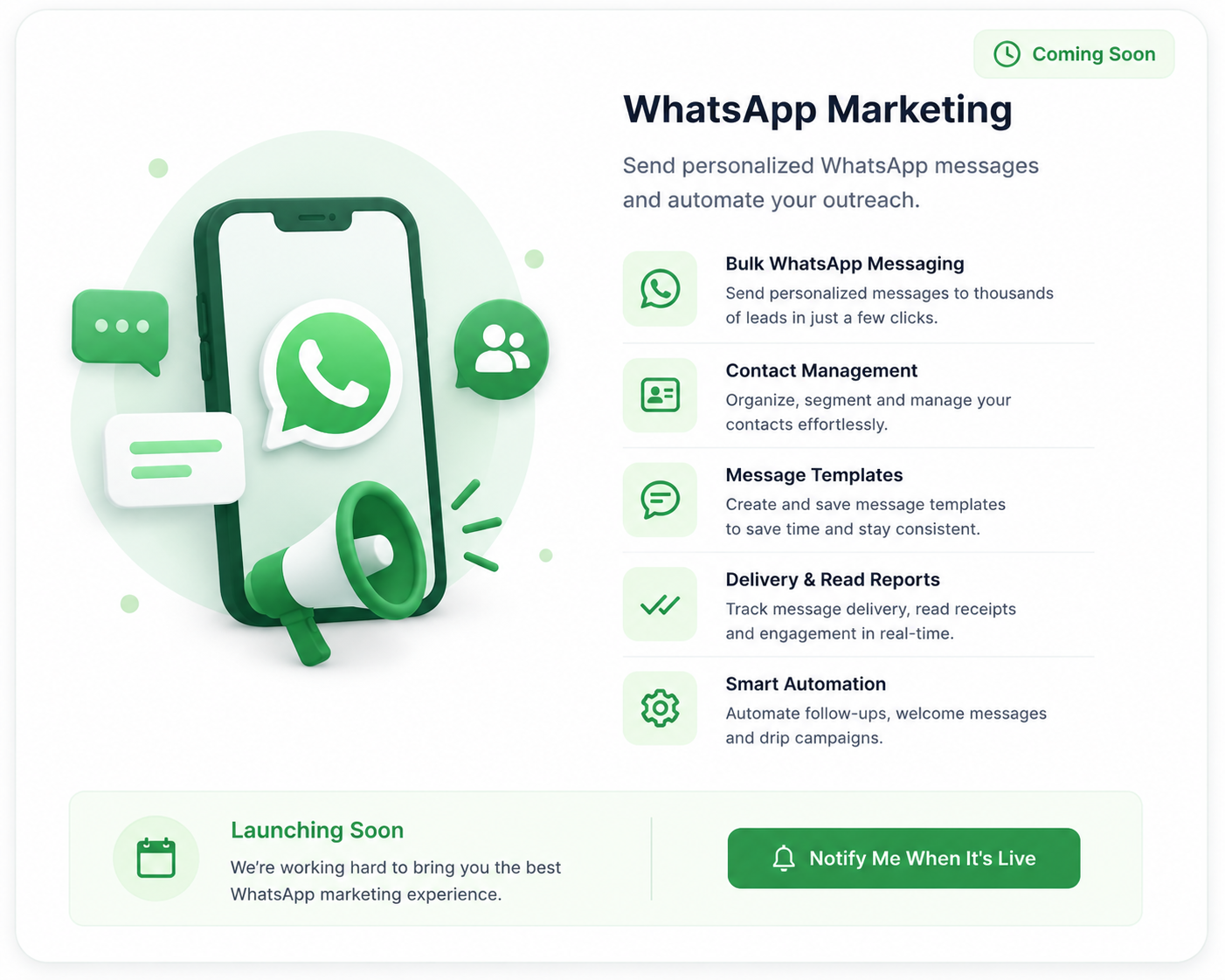
WhatsApp Marketing
Send bulk messages, manage contacts and automate WhatsApp campaigns.
Scraper Analytics
Extract leads from multiple sources with precision
Ready to scrape
Fill in the details from the left panel and hit Run Scraper
to extract leads.
🎯
Step 1
Select Category
Choose what you want to scrape
📍
Step 2
Add Location
Specify the location for accurate results
▶️
Step 3
Run Scraper
Start scraping and get quality leads
💡
Pro Tip: Use specific keywords and
locations for better results.
—
Total
—
Contacted
—
Replied
—
Follow-up
—
Converted
—
Not interested
Checking mailbox…
Campaigns
No campaigns yet — create one to email a whole category at
once.
📋
Loading leads…
✉️
Loading conversation…
WhatsApp Campaigns
Create, manage and track your WhatsApp campaigns
💬
Loading campaigns…
1 Setup
2 Message
3 Review
+ Add Image / Video
JPG, PNG, MP4 (Max 5MB)
Preview
←
👤
+91 00000 00000online
⋮
Today
Hi Rahul 👋
📍 Tips
- Use {{name}} for lead name
- Use {{business}} for business name
- Keep your message short and engaging
- Best time to send: 10 AM – 1 PM
Estimated Reach
0
Contacts
— delivery rate yet
?
—
—
—
—
Subscription
Status
—
Plan
—
Started
—
Days Remaining
—
Expires
—
Credits
Trial credits
—
Trial used
—
Paid credits
—
Leads available
—
Payment
Amount
—
Status
—
Payment ID
—
Order ID
—
Paid at
—
🚪 Logout